In Apple Notes on macOS Tahoe 26, choose File → Export as → Markdown. Open the exported .md in Zizeg, keep any accompanying assets, and continue editing in Preview or Source.
Take the useful parts with you.
Export one note. Choose a name and destination in Notes. Markdown export needs macOS Tahoe 26 or later.
Check what came across. Read the headings, lists and images in Zizeg. Keep accompanying files in their original folder relationship.
Make it your working copy. Correct the exported note directly in Preview. Zizeg autosaves the Markdown; it does not sync changes back to the original Apple Note.
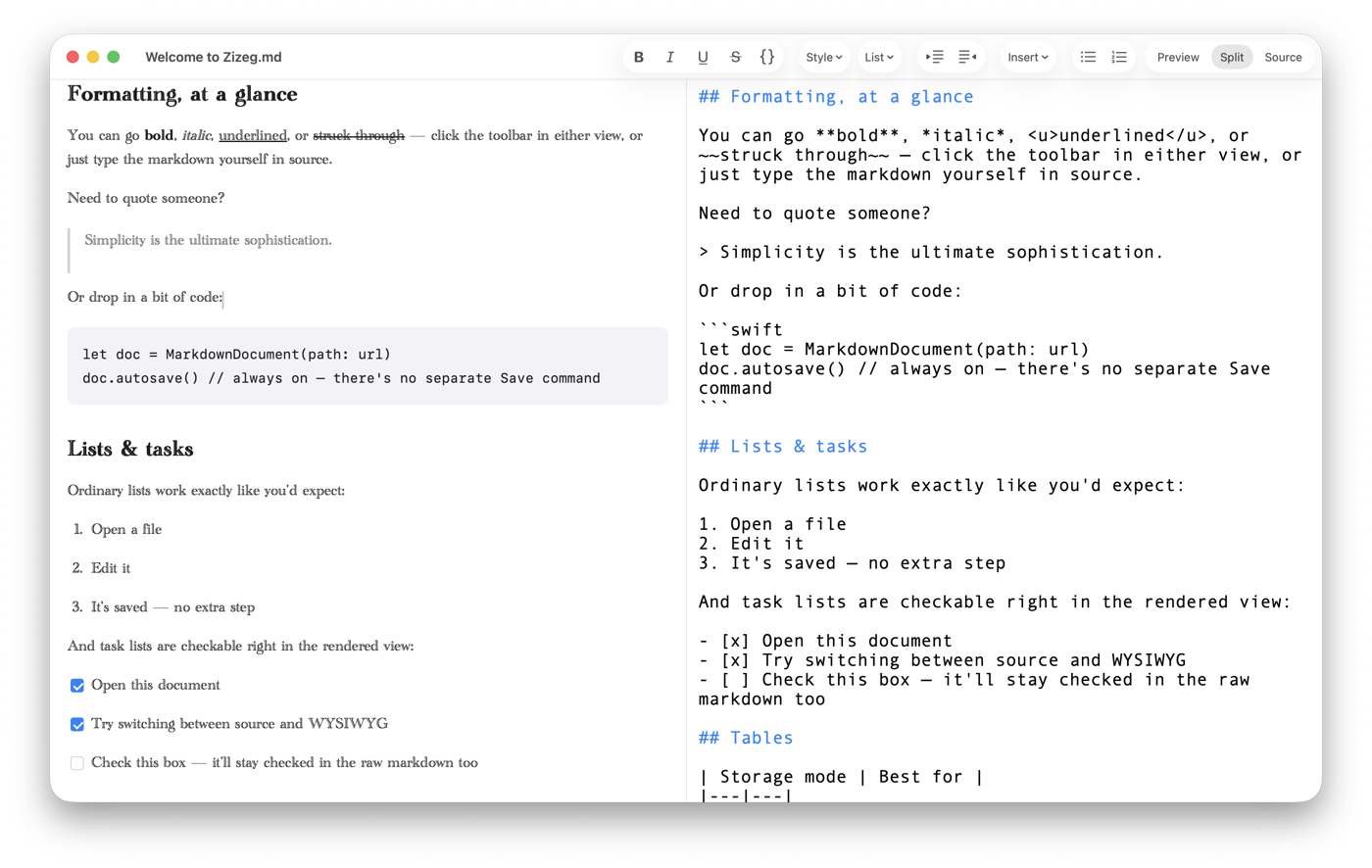
An ordinary Markdown file, shown in Preview and Source.
Try it with your Markdown.
Open a familiar file and see both views in Zizeg.
Reading is free. Editing and export require unlocking.