A new source line is not always a new paragraph in Markdown. Leave a blank line for a new paragraph. For an explicit break inside one paragraph, use two trailing spaces or a backslash before the newline.
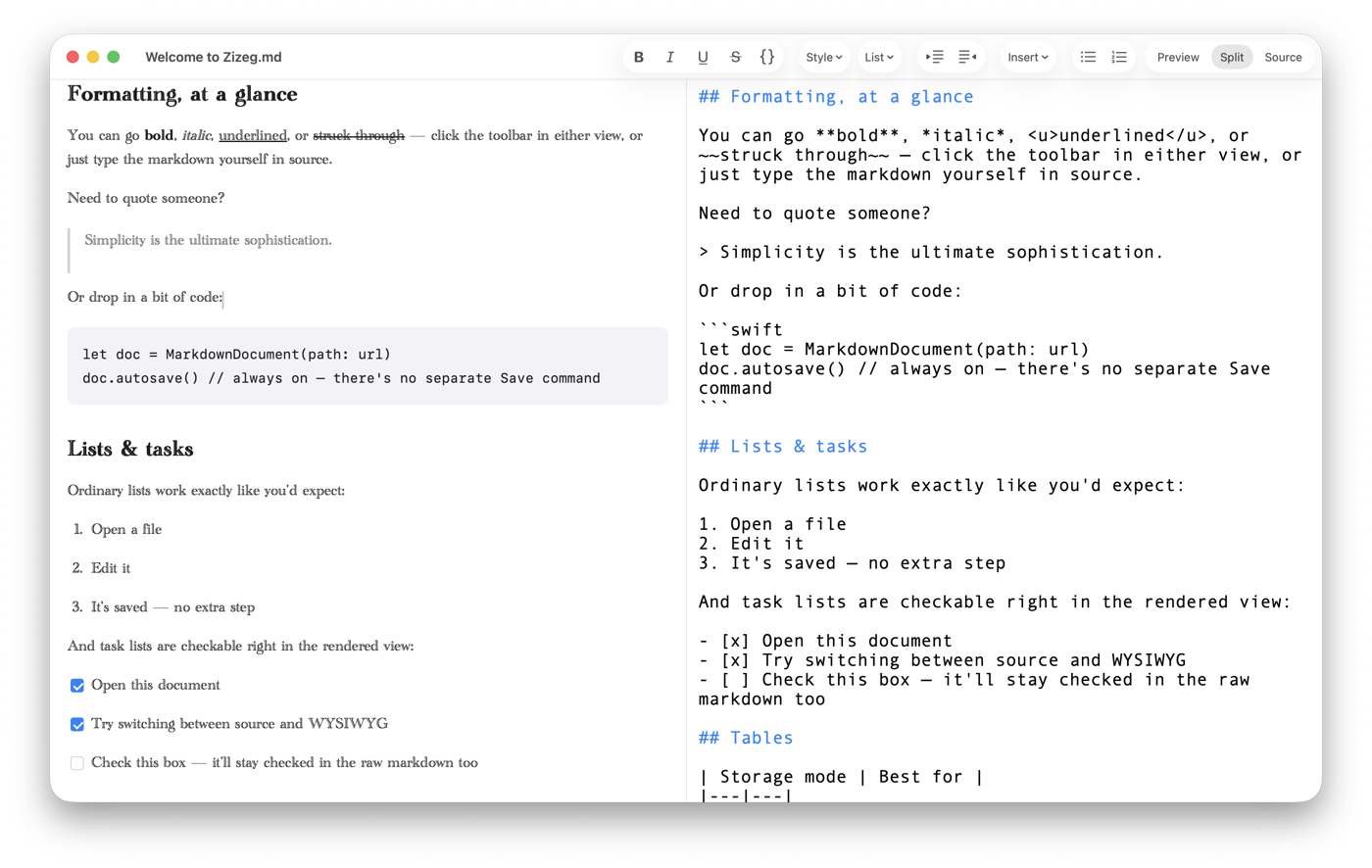
See the structure beside the result.
Separate paragraphs clearly. Use a blank line between blocks of prose. A single Return can remain a soft break within the same paragraph.
Distinguish wrapping from breaks. A line may wrap because the window is narrow. That changes the appearance without adding a break to the source.
Check the destination. Use Zizeg’s Split to inspect Source and Preview together. Soft-break styling can differ between apps; check the copy you plan to share.
Use Split to compare source structure with rendered text.
Try it with your Markdown.
Open a familiar file and see both views in Zizeg.
Reading is free. Editing and export require unlocking.